
Why Don’t I See Decision-Maker Emails?
We know email access is one of the most valuable parts of Reachr. If you’ve revealed prospects but don’t see emails, here’s what may be happening.
Possible Reasons
- SuperLead not applied
-
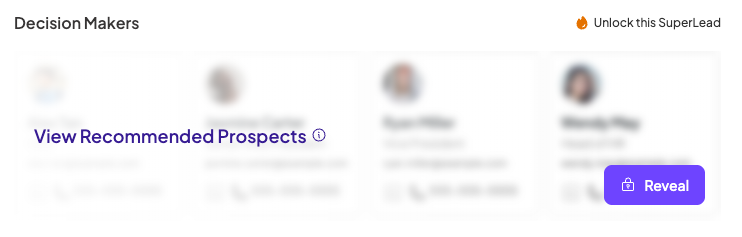
Emails only appear after you use a SuperLead. Make sure you’ve clicked Reveal Prospects.
-
Prospect List Locked
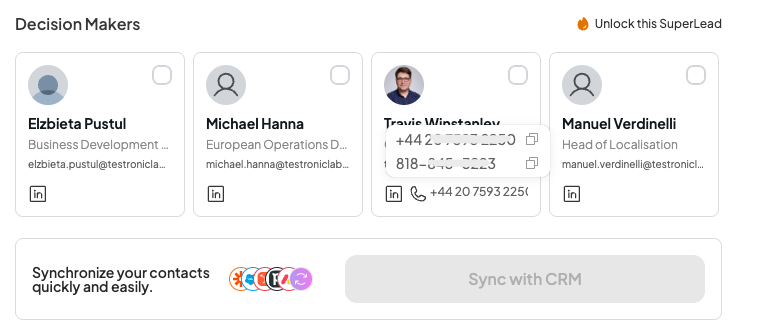
Prospect List Unlocked
- Coverage limitations
-
Some regions (especially the EU) have stricter privacy laws, so verified emails may be harder to surface.
Alternative data available
-
Even if an email isn’t available, you’ll often see phone numbers or alternate decision-makers in the same company.
-
Pro Tip
💡 Try reaching out to multiple contacts at a company — even if one email isn’t available, another decision-maker often is.