
Connecting Reachr to Your CRM via Zapier
Intro
Reachr integrates with your favorite CRMs (HubSpot, Pipedrive, Zoho Recruit, Bullhorn, Recruit CRM) through Zapier. We’ve made it simple with prefilled Zap Templates that do most of the work for you.
When you click a CRM in the Integrations tab inside Reachr, you’ll be redirected to Zapier with everything prefilled — all you need to do is log in, connect your accounts, and confirm the setup.
How It Works
- In Reachr, go to Integrations.
- Choose the CRM you’d like to connect.
- A Zapier template will open with the trigger and action already filled in:
- Trigger: New Prospect Unlocked (Reachr)
- Action: Create/Update Contact (choose your CRM)
- You'll be prompted to log into Zapier (or create a free account).
- Connect both your Reachr account and your CRM account.
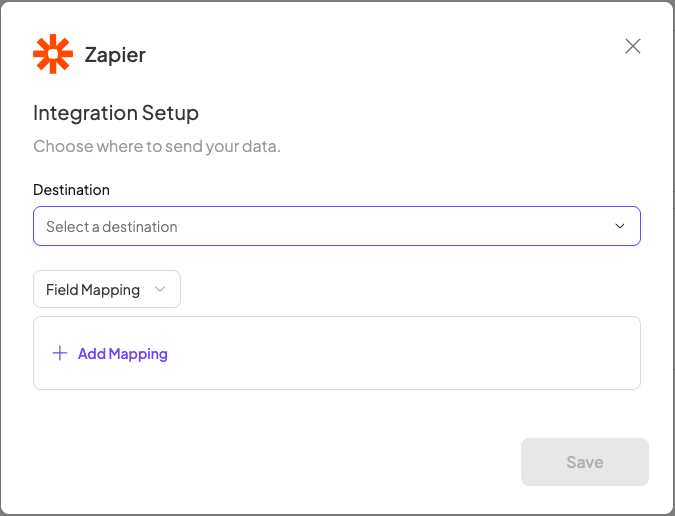
- Confirm the suggested field mappings (Name, Email, Phone, Company).
- Turn on your Zap.
Pro Tip
💡 You can set up multiple integrations — for example, send contacts into your CRM and also log them in a Google Sheet or Slack channel.