
Connecting Reachr to HubSpot
Intro
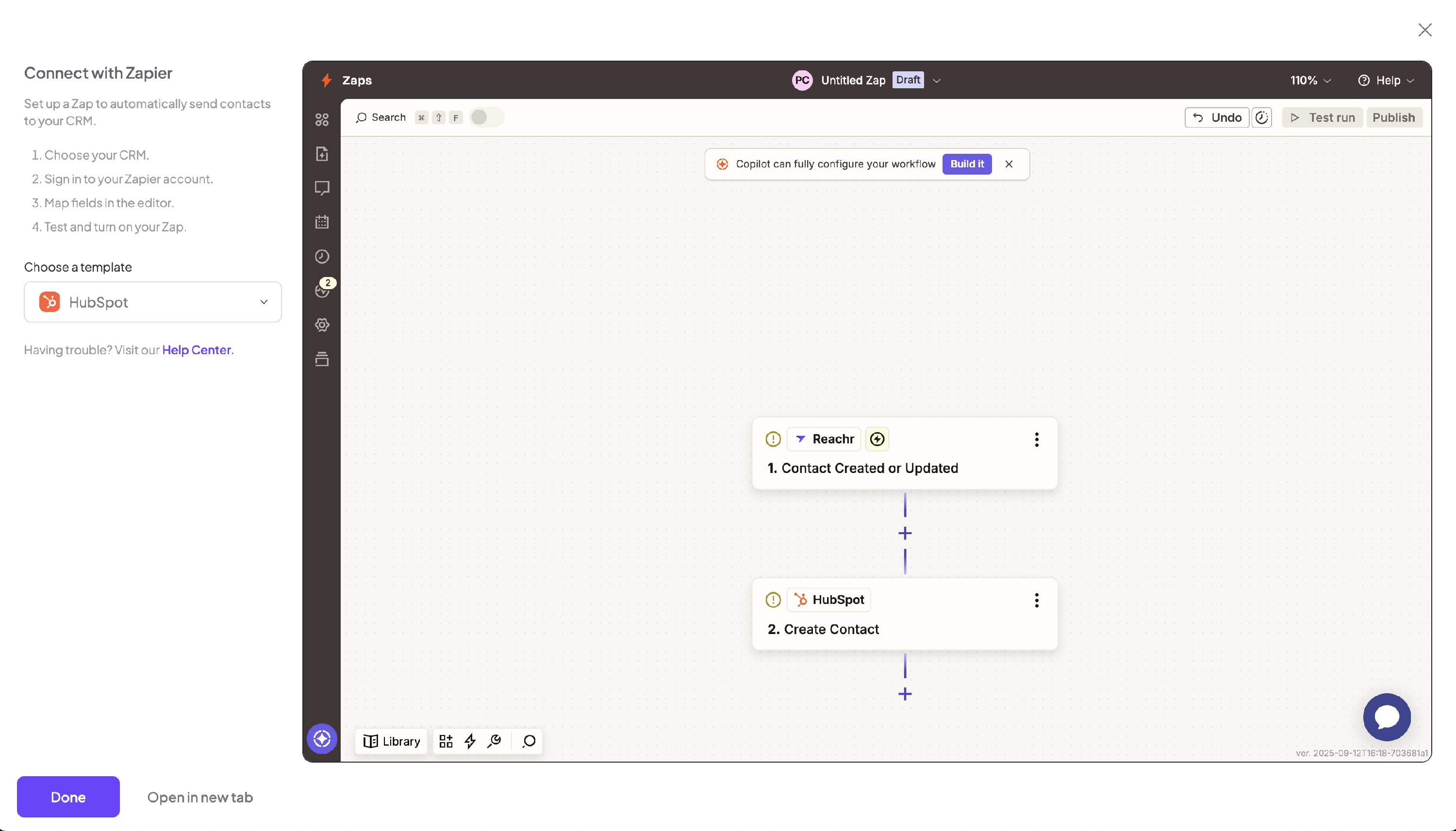
You can connect Reachr to HubSpot through the Integrations tab. Behind the scenes, this runs through Zapier, but we’ve set it up with a prefilled template so it’s quick and easy.
How It Works
- In Reachr, go to Integrations.
- Click HubSpot.
- A Zapier window will open with a Reachr → HubSpot template already filled out:
- Trigger: New Prospect Unlocked (Reachr)
- Action: Create/Update Contact (HubSpot)
- Log into Zapier (or create a free account).
- Connect your Reachr account and your HubSpot account.
- Review the field mapping (Name, Email, Phone, Company).
- Turn on your Zap — done!