
Connecting Reachr to Pipedrive
Intro
Reachr connects to Pipedrive through a Zapier template you can launch right from the Integrations tab. This lets you automatically sync new decision-maker contacts into your Pipedrive pipeline.
How It Works
- In Reachr, Go to Settings —> open Integrations.
- Click Pipedrive.
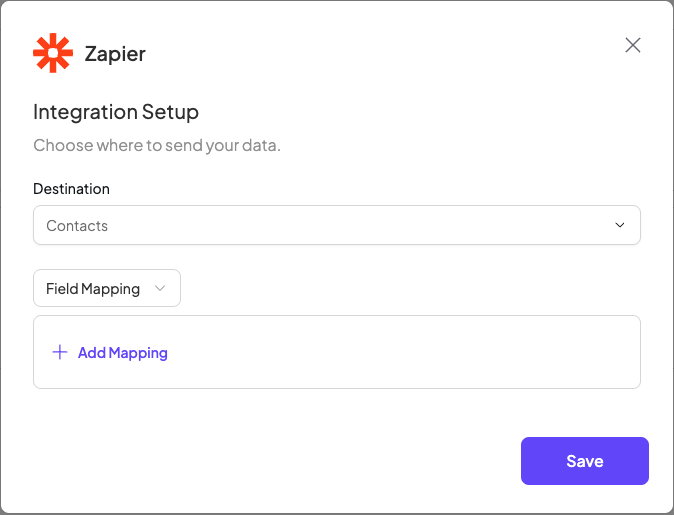
- A Zapier window will open with a Reachr → Pipedrive template already filled out:
- Trigger: New Prospect Unlocked (Reachr)
- Action: Create/Update Person (Pipedrive)
- Log into Zapier.
- Connect your Reachr and Pipedrive accounts.
- Confirm the field mapping (Name, Email, Phone, Company).
- Turn on your Zap.